

ChatGPT helps you visualize your living room’s potential by turning a photo into multiple design mockups—showing you modern boho, farmhouse, or Scandinavian styles before you buy anything. You upload a clear image, describe what you want to change, and it generates realistic renderings.
The trick is iterating several times to refine your vision and using actual measurements to avoid costly mistakes. It’s like having a creative brainstorming partner who catches impractical ideas early.
Start With a Clear Photo of Your Living Room
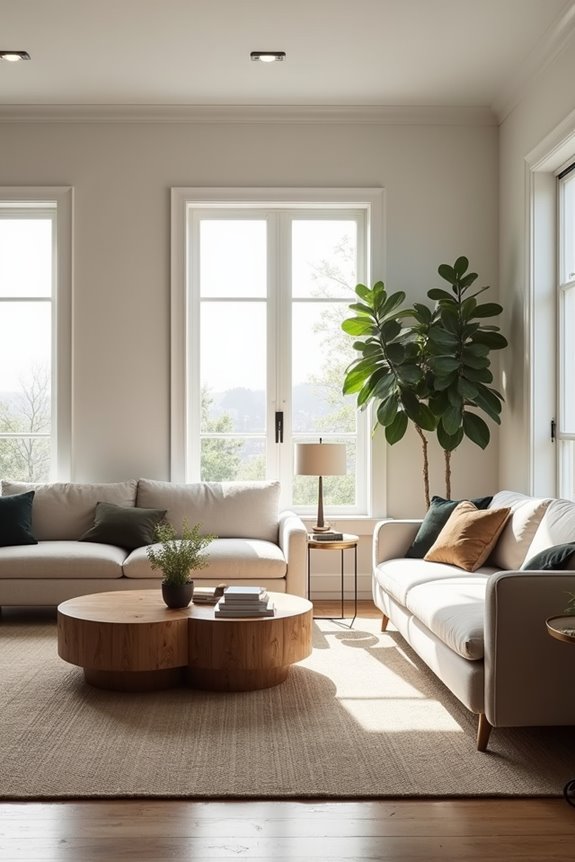
How’s your living room looking right now—honestly?
How’s your living room looking right now—honestly? Mine needed help until I discovered uploading photos to ChatGPT.
I know mine needed help. That’s when I discovered something useful: uploading a clear photo to ChatGPT opens new possibilities. I snapped a straightforward picture from my couch, making sure the lighting showed my space exactly as it is—clutter and all.
This photo became my foundation. ChatGPT used it to generate multiple design concepts tailored just for me. Modern boho, rustic farmhouse, Scandinavian minimalism—suddenly I could see my living room in different styles without moving a single piece of furniture.
The photo’s clarity matters a lot. A blurry image won’t work. A good one lets the AI understand your layout, natural light, and existing pieces. That’s when you start seeing real options. You’re not just dreaming anymore; you’re actually viewing possibilities.
Tell ChatGPT Exactly What You Want to Change
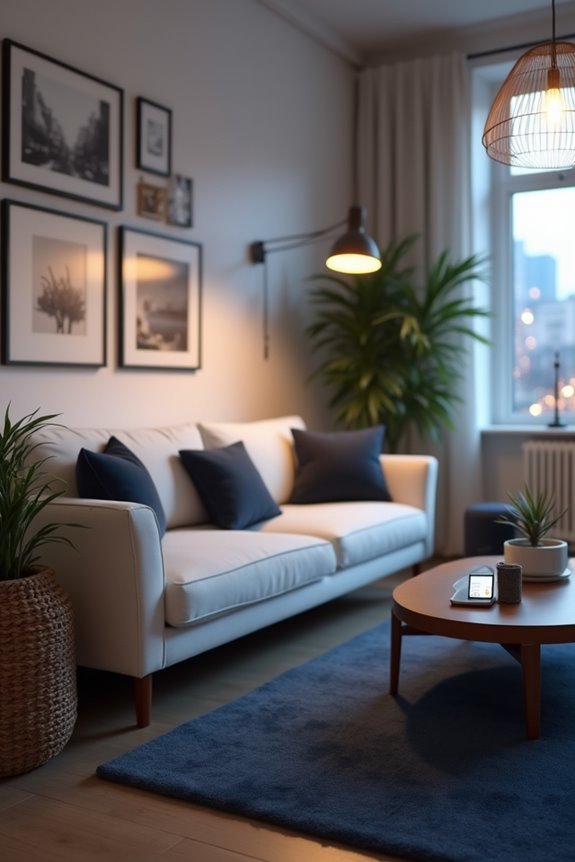
I’ve learned that vague requests like “make it look better” won’t get you anywhere with ChatGPT—you need to be specific about what’s actually bothering you. Instead of just saying you want a new vibe, tell ChatGPT exactly what needs to move, what color the walls should be, and what kind of feeling you’re going for (like “cozy modern” or “light and airy”). When you’re clear about your style preferences and describe that detailed picture, ChatGPT can give you suggestions that actually match what’s in your head instead of throwing random ideas at you.
Be Specific With Details
Why do so many people end up with generic design suggestions when they ask ChatGPT for help? They’re not being specific enough with their details.
When you’re crafting design prompts, name exact styles like “modern boho” instead of just “contemporary.” Tell me your color palette—earthy tones with emerald accents, not simply “neutrals.” Describe your room layout precisely: “15-by-20-foot space with windows on the east wall and a doorway near the corner.”
Include measurements, existing furniture, and architectural features. Mention that your sofa faces built-ins or that you’ve got hardwood floors needing area rugs. The more concrete information you provide, the better ChatGPT understands your vision.
This specificity results in personalized recommendations that actually fit your space and style.
Use Descriptive Language Consistently
Vague requests get vague answers—that’s just how it works. When I tell ChatGPT “make my living room prettier,” I’m basically asking without clear direction. Instead, I describe exactly what I want changed using specific interior design language.
| What to Specify | Example |
|---|---|
| Style | Modern boho with warm neutrals |
| Color palette | Cream, terracotta, sage green |
| Placement | Sofa facing built-ins, TV centered |
This descriptive language converts my vague wishes into workable guidance. I mention lighting needs—”add recessed lights with warm bulbs”—or furniture adjustments like “move the coffee table 18 inches closer.” When I’m clear about constraints like “maintain a 10-foot traffic path,” ChatGPT understands my actual living space. Consistent terminology across conversations keeps the design direction cohesive and prevents misinterpretation. It’s the difference between hoping and actually building the room I want.
Prioritize Style Over Layout
When you’re staring at your living room wondering what needs fixing, here’s the thing—don’t start by moving furniture around. Instead, focus on style first. Tell ChatGPT exactly what you want to change: the color palette, lighting, mood, or materials. Maybe you say, “Keep my sofa but change the rug to natural fiber and add warm brass accents.” This approach lets you nail the vibe before worrying about layout.
I’ve found that naming specific items to modify steers the design without overhauling everything. You might request a modern boho aesthetic or Scandinavian minimalism. Be concrete about preferred colors and textures. Once ChatGPT generates initial imagery, iterate with refinements—add coffered ceilings, molding, or greenery to deepen your chosen design language. This way, your space changes meaningfully while keeping what already works.
Know ChatGPT’s Limits Before You Start
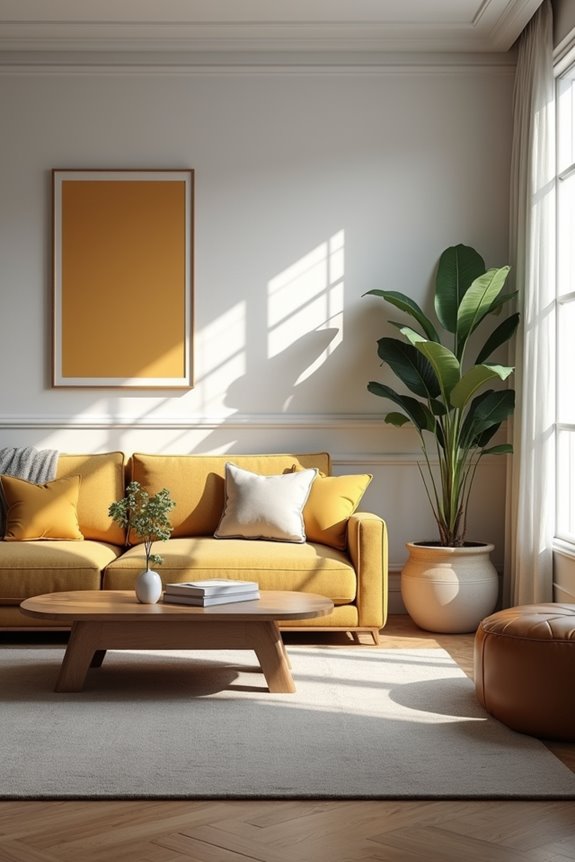
Before you ask ChatGPT to redesign your entire living room, here’s something I’ve learned the hard way: this tool is good at sparking ideas, but it’s not a magic wand.
Image generation has real limitations. The renderings might look polished on screen, but they won’t account for your actual room’s quirks—that awkward corner, your unusual window placement, or how light actually hits your walls at 3 p.m.
ChatGPT also can’t measure your space or guarantee furniture will fit. It’s useful for style inspiration and color palettes, not precision planning. Think of it as your creative buddy, not your architect. You’ll need real measurements and professional guidance before buying anything. Use it to explore possibilities, then verify everything in your actual room.
Refine Your Living Room Design Through Multiple ChatGPT Iterations
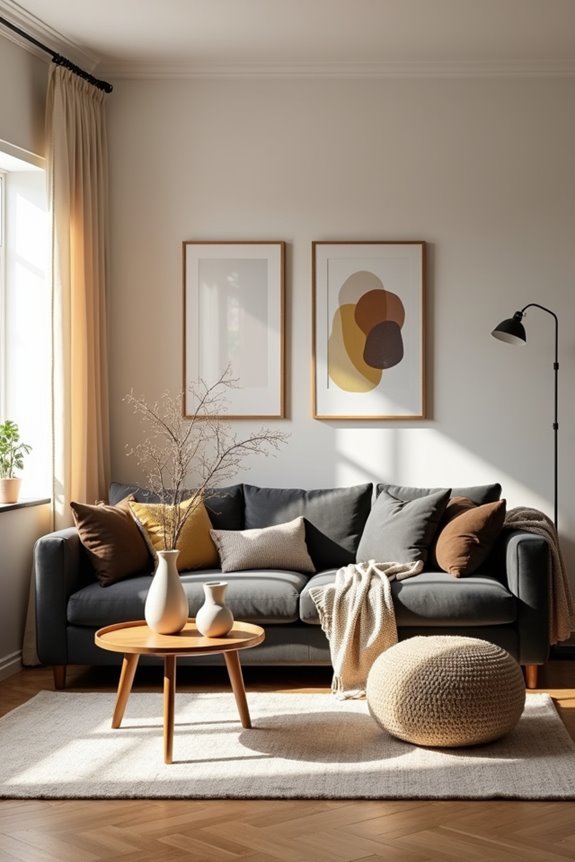
Now that you understand what ChatGPT can and can’t do, this is where the real work starts—actually using it to shape your space. I’ve found that room design really comes alive through iterations. You’ll upload your photo, describe what you’re envisioning, and ChatGPT generates options. But here’s the reality—that first render won’t be perfect. So you refine it. Ask for a warmer paint color. Move the sofa. Adjust the lighting. Each iteration gets you closer to what you actually want. I typically need three to five rounds before landing on something I like. With a Plus membership, you’ll generate images faster, which means quicker feedback loops. Free users get fewer daily generations, but you can still make progress. The benefit? You’re experimenting without commitment, testing ideas risk-free before buying anything.
Should You Upgrade to ChatGPT Plus?

Is paying $20 a month worth it for decorating your living room? I’d say yes, if you’re serious about this project. The Plus plan gives you up to 50 image renderings every three hours. That’s significant when you’re testing different color palettes and furniture layouts. The free version? It’s limiting. You’ll hit your generation cap fast when you’re experimenting with styles like modern boho or Scandinavian minimalism. I found myself frustrated constantly waiting. With Plus, I could rapidly iterate—adjusting lighting here, swapping furnishings there—without constantly hitting walls. For someone like us who wants to nail our design before buying anything, that speed and capacity feels genuinely valuable. It makes ChatGPT a practical design partner.
Customize These Prompts for Your Room
Once you’ve decided ChatGPT Plus is your design investment, the real fun starts—feeding it the right prompts. I’ve learned that specificity matters enormously. Instead of saying “make my living room better,” I describe exactly what I want: “Create a modern boho aesthetic with warm lighting and a new furniture layout.” I include details about my budget, preferred color palette, and any must-keep pieces. When I request image generation, I’m specific about dimensions and style preferences. Each render becomes a jumping-off point. I’ll ask ChatGPT to adjust the sofa placement or swap the ceiling treatment based on what I see. This iterative interior design process feels collaborative, like having a designer friend who actually listens. The prompts evolve as my vision clarifies, making each generated image sharper and closer to my ideal space.
Measure Every Living Room Detail Before Committing to ChatGPT Ideas
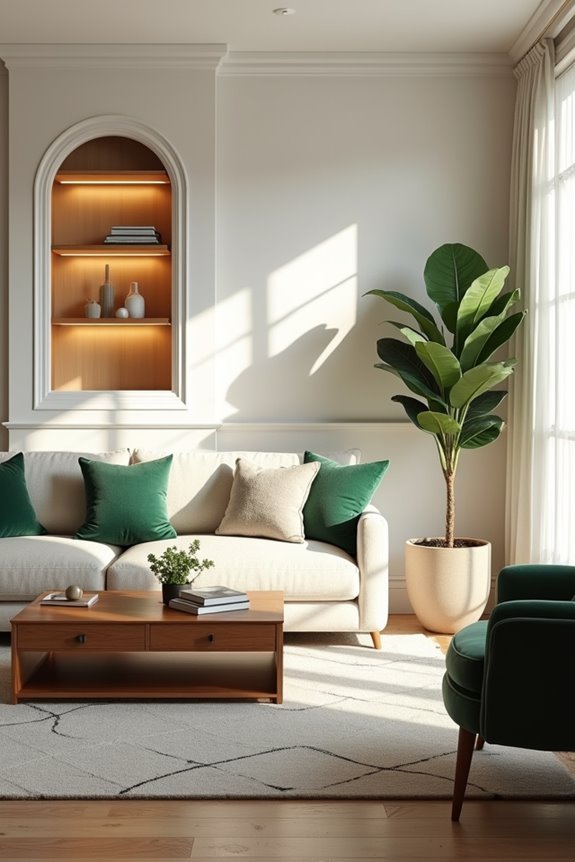
I can’t tell you how many times I’ve gotten excited about a design ChatGPT suggested, only to realize it won’t actually fit in my space—so here’s the thing: before you commit to any layout idea, grab a measuring tape and write down your room’s exact dimensions, door placements, and window sizes. Those measurements are your reality check, the difference between a design that’ll actually work in your living room versus one that looks great on screen but leaves you frustrated when you try to move furniture around. Once you’ve got those numbers locked in, you can feed them into ChatGPT with confidence, knowing the suggestions you get back won’t clash with the real walls, openings, and fixed features you’re actually working with.
Accurate Measurements Matter Most
I learned this the hard way. When I skipped measuring my ceiling height and furniture clearances, ChatGPT suggested layouts that looked great but wouldn’t actually work in my space. Now I measure wall lengths, door placements, window positions, and available floor space in different orientations. I even check twice.
These measurements become your truth. They’re what turn ChatGPT’s creative ideas into something that actually works for your home. Without them, you’re just browsing inspiration instead of building solutions. Get those measurements locked down first. Everything else follows.
Feasibility Before Visual Renderings
Why do so many beautiful ChatGPT design ideas end up gathering dust in your Pinterest board instead of becoming your actual living room?
Here’s the truth: those gorgeous renderings don’t account for your real measurements and feasibility constraints. Before you fall in love with any layout ChatGPT suggests, you’ve got to measure everything. Grab a tape measure and document your wall lengths, doorway widths, window placements, and ceiling height. Write down your sofa’s exact dimensions and that TV you’re planning to mount.
When you feed these specific measurements into ChatGPT, the suggestions suddenly become actionable. You’ll catch potential problems early—like whether that sectional actually fits or if the accent wall works with your current setup. This groundwork turns ChatGPT from wishful thinking into a practical partner in your decorating journey.
When to Call a Designer (and When ChatGPT Is Enough)
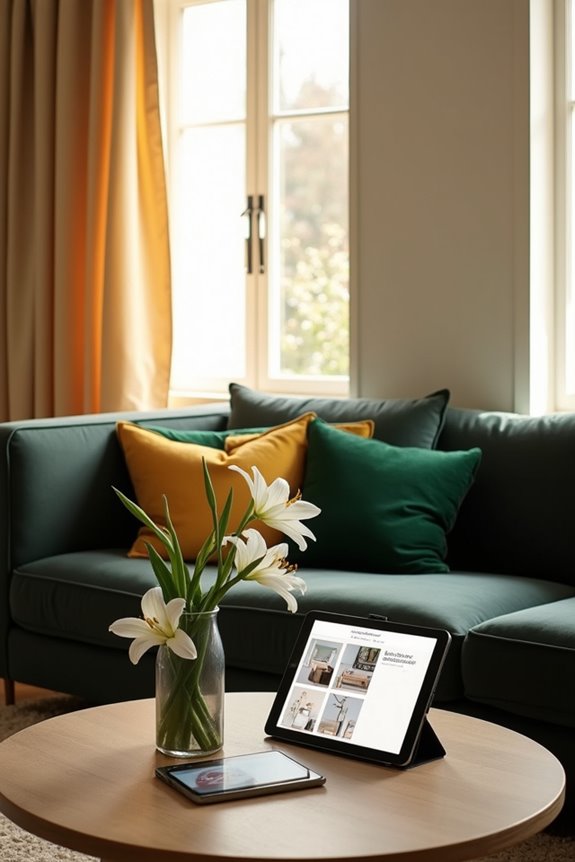
You don’t always need a professional designer to improve your space, but you’ll definitely want one in certain situations. I’ve found that ChatGPT works well for brainstorming design ideas and creating renderings from your room photos. It’s perfect when you’re testing furniture layouts or exploring color schemes without spending money first.
However, call a designer if you’re moving walls, need electrical work, or want custom built-ins. You’ll also want professional help if your budget exceeds $5,000 or you’re completely overwhelmed. Think of ChatGPT as your creative partner for the fun stuff—the “what if” moments. A designer handles the structural decisions and confirms everything meets building codes. Together, they work well.
Avoid These ChatGPT Mistakes When Redesigning Your Living Room
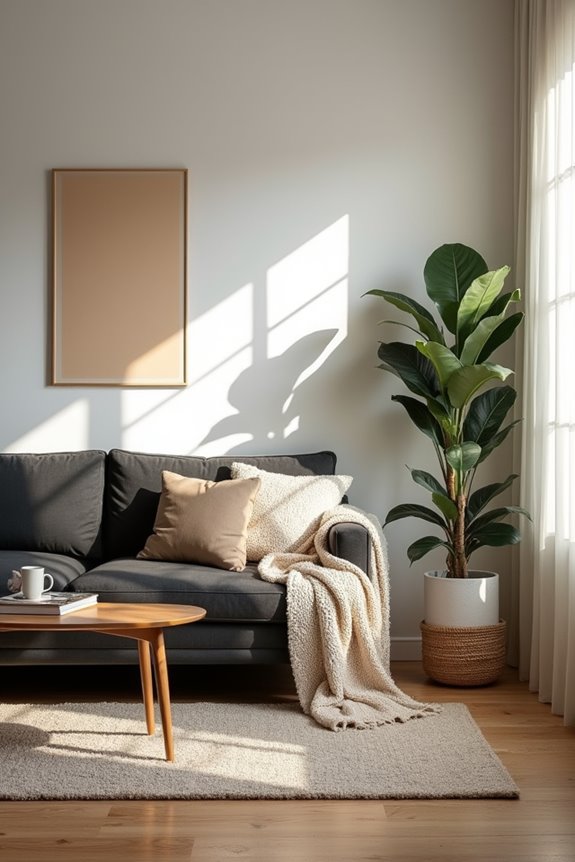
Even with all the creative power ChatGPT brings to your redesign project, it’s easy to fall into traps that can waste your time and lead you astray.
ChatGPT brings creative power to redesign projects, but it’s easy to fall into traps that waste time and lead you astray.
Your biggest room design challenge? Trusting a single render. I learned this the hard way—one image doesn’t show you real scale or how furniture actually fits. Always ask for multiple angles.
Another common pitfall: ignoring your actual measurements. ChatGPT can’t see your doorways or windows, so they might vanish in suggestions. Before you prompt, measure everything—your room’s dimensions, doorway width, even natural light patterns.
Don’t overcrowd furniture either. Those appealing layouts often ignore traffic flow and practical living. I’ve seen people plan setups that look nice but feel cramped and unwelcoming in person. Ground your prompts in real-world constraints, not just aesthetics.
See Real Living Rooms Transformed by ChatGPT
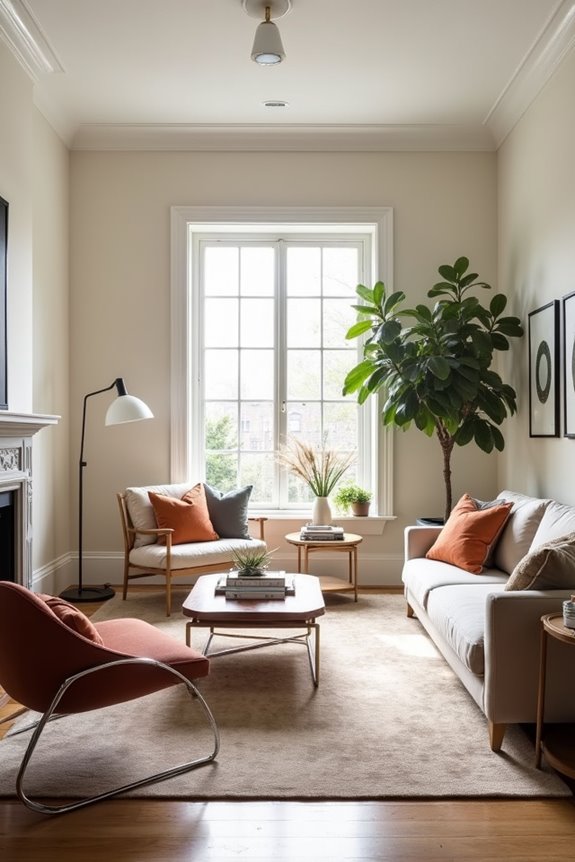
I’ve watched real living rooms change through ChatGPT’s design renderings, and it works well—a single room can look like five different spaces depending on the style you choose. You’ll see before-and-after examples where someone’s basic beige sofa fits into a cozy farmhouse aesthetic, then gets reimagined as sleek Scandinavian minimalism—same furniture, completely different vibes. These real changes show that ChatGPT’s versatility with styles delivers results; it actually helps you figure out what works for your space before you spend money on anything permanent.
Real Transformations Showcase
How different can a single room actually look when AI reimagines it? I’ve watched my own space shift in ways I never anticipated. Through AI visualization, I tested a modern boho style first—soft textures, warm earth tones, plants everywhere. Then I switched gears entirely. The same room became sleek Scandinavian minimalism: clean lines, light woods, open space.
What caught my attention most? Seeing furniture placement I’d never considered. The AI repositioned my sofa to face a window I’d forgotten about. Wall colors shifted from beige to soft sage green. Even my ceiling got a treatment—subtle texture that added depth.
These real transformations aren’t just pretty pictures. They’re actual room design possibilities I can evaluate before spending money. I compare styles side-by-side, testing what genuinely works for me. It’s like having a designer in my pocket.
Before-And-After Visual Examples
The real value shows itself when you see your actual room redesigned across multiple styles. I uploaded my living room photo, and ChatGPT generated several before-and-after images showing completely different approaches. One design changed my beige walls to warm terracotta and repositioned my sofa toward natural light. Another used modern minimalism with clean lines and neutral tones.
Comparing these images side-by-side, I could actually visualize how each change affected my space’s flow and mood. The before-and-after visuals made the options clear. I wasn’t just imagining possibilities anymore—I was seeing them. That’s when I realized which direction worked best for my home and my personality.
Style Versatility Demonstrations
Why settle for imagining just one design direction when you can actually see your living room across completely different styles?
I love how ChatGPT lets me visualize my space as modern boho, rustic farmhouse, Scandinavian minimalism, or contemporary industrial—all from a single uploaded photo. Each design shows me exactly how different color palettes, furniture arrangements, and lighting ideas would actually look in my room. It’s like having multiple makeovers happen instantly.
I can explore a cozy farmhouse vibe one moment, then switch to sleek minimalism the next. This visualization process removes the guesswork and helps me discover what truly resonates with me. I’m not just dreaming about changes anymore—I’m seeing concrete possibilities. It’s exciting to compare styles side-by-side and feel confident about which direction works best for my space.
From AI Mockup to Real Furniture
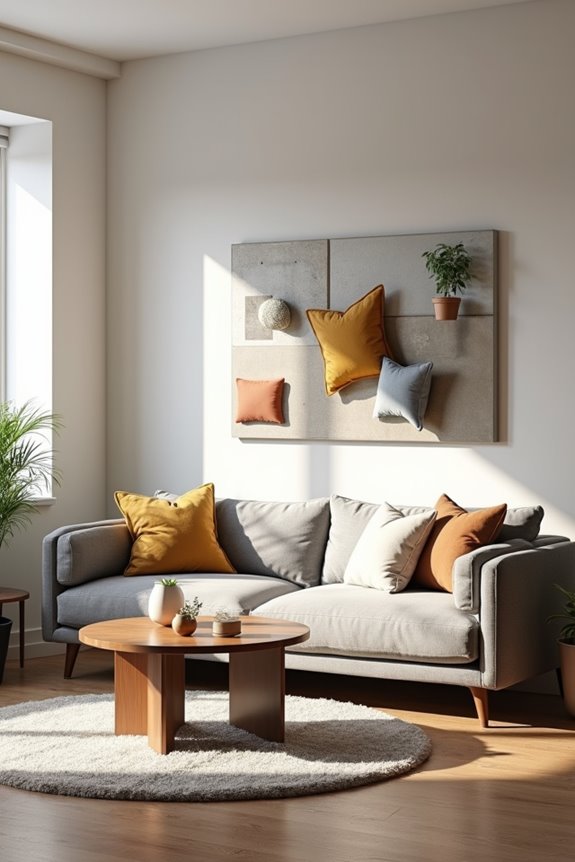
Once you’ve got that perfect A.I. mockup on your screen, you’re probably wondering: now what?
That’s where the real work begins. You’ve already visualized your space—the colors, the layout, everything clicking into place. Now it’s time to make it happen.
ChatGPT becomes your shopping buddy. Tell it about your mockup, and it’ll generate detailed shopping lists tailored to your chosen style. Need a mid-century sofa under $1,200? A Scandinavian coffee table? It’ll suggest specific products and where to find them.
This bridge between mockup and furniture procurement matters. You’re not guessing anymore. You’ve tested your vision digitally, assessed how pieces flow together, and now you’re shopping with confidence and clarity.
You’re building something real—something that belongs to you.