
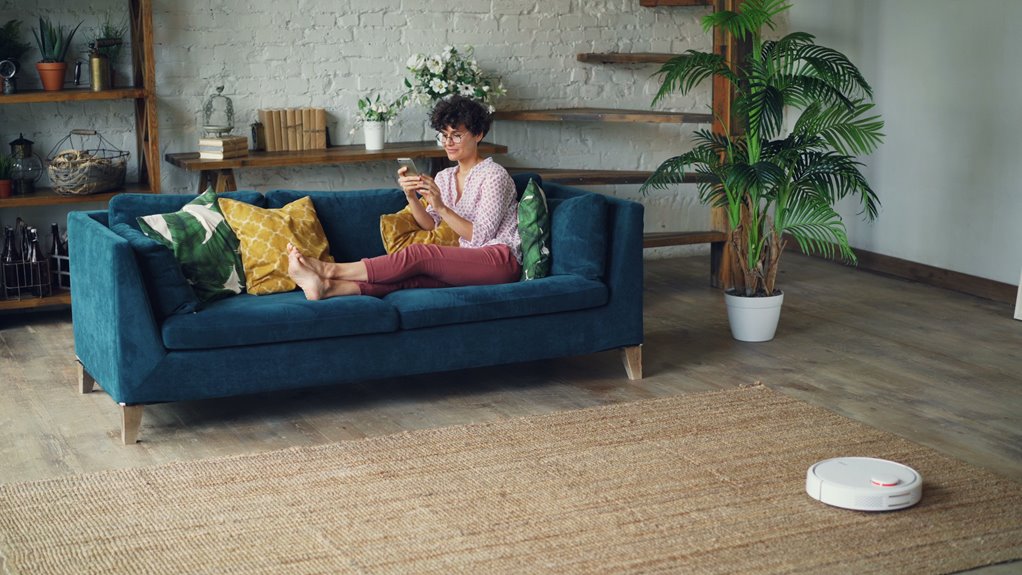
I used to waste weeks shuffling furniture around, agonizing over paint colors, and doubting every purchase. Now AI design tools let me test everything first. I can input my room’s exact dimensions and see multiple floor plans instantly. Color palette tools let me visualize paint choices without the commitment. Tools like Planner 5D and ArchVinci generate photorealistic renders so I compare layouts confidently before moving a single piece. It’s cut my decision anxiety in half. Want to discover which specific tool matches your project best?
Plan Your Living Room Layout at Scale
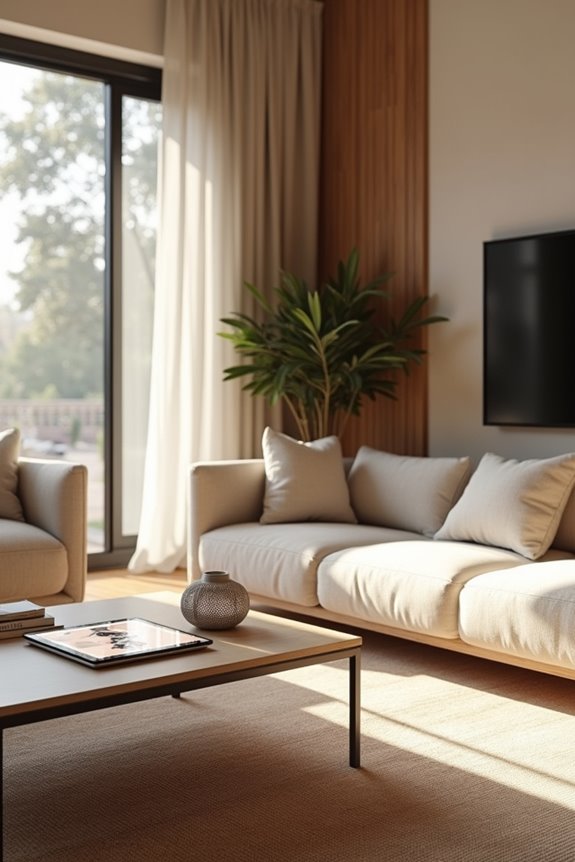
How many times have you rearranged your living room furniture, only to realize it doesn’t quite work? I’ve been there too. That’s where AI room design becomes useful.
With this technology, I can input my exact room dimensions and floor plan recognition happens instantly. The AI generates multiple 2D and 3D visualizations showing different furniture arrangements—all in minutes. I’m not guessing anymore about traffic flow or whether my couch actually fits.
What stands out is how it considers walking space around furniture as dimensions change. If I’m thinking about moving to a bigger place, I can simulate how my current pieces scale differently. The personalized recommendations remember my style preferences, refining suggestions over time.
Efficient planning finally feels achievable. No more second-guessing my living room layout.
Test Color Palettes and Design Styles Risk-Free
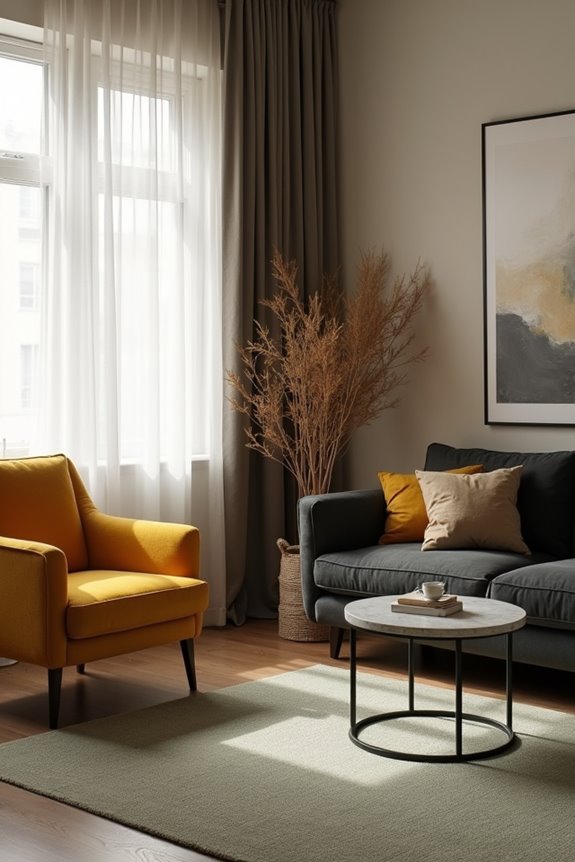
Ever wonder why you paint a wall only to hate it three days later? I’ve been there, and it’s frustrating. That’s where AI tools help.
Ever painted a wall only to hate it days later? AI design tools let you test colors risk-free first.
VisualizeAI and HomeVisualizerAI let me test color palettes and design styles before committing. I upload a photo of my living room, pick a style I’m curious about, and see it rendered instantly. HomeVisualizerAI even has a slider—I can stay close to my original look or explore bolder directions creatively.
RoomsGPT shows me multiple designer-inspired renders so I can compare aesthetics side by side. With AI-assisted workflows like Planner 5D, I refine colors through multiple iterations without decision fatigue.
Testing design styles risk-free means I’m confident when I finally pick that paint color. No more regrets. Just genuine enthusiasm about my space.
Choose the Right AI Tool for Your Project

Now that you’ve got a sense of what’s possible with AI renderers, you might be wondering which tool actually fits your living room project.
Here’s the thing—not every AI interior design tool works the same way. Let me break down what I’ve found:
- VisualizeAI ($19/month) gives you style control and exclusion prompts, perfect if you want precise direction
- RoomsGPT offers two design iterations per prompt with designer-inspired styles across different room types
- HomeVisualizerAI lets you upload photos and blend them with prompts using a creative slider for realistic renders
- ArchVinci excels at photorealistic renders when you’re visualizing furniture details and room layout changes
Your choice depends on what matters most: budget, user interface ease, color schemes flexibility, or how detailed you want your design iterations. Think about which features align with your vision.